NukeIDE
An open-source IDE specifically designed for nuclear simulation and engineering. Built on Eclipse Theia with extensions for OpenMC, 3D visualization, and robust environment management.
Built for Nuclear Engineering
Everything you need for computational physics, reactor design, and radiation transport in one unified workspace.
Full-Featured IDE
Monaco-based code editor with syntax highlighting, IntelliSense, and debugging powered by Eclipse Theia.
Extensible Architecture
Easily extendable with custom Theia extensions for specialized nuclear engineering workflows.
Browser & Desktop
Run as a Progressive Web App in the browser or as a native Electron desktop application.
Python Integration
Auto-detect and manage conda, venv, poetry environments. Install packages with live terminal output.
Core Extensions
Purpose-built extensions that bring nuclear simulation capabilities directly into the IDE.
OpenMC Studio
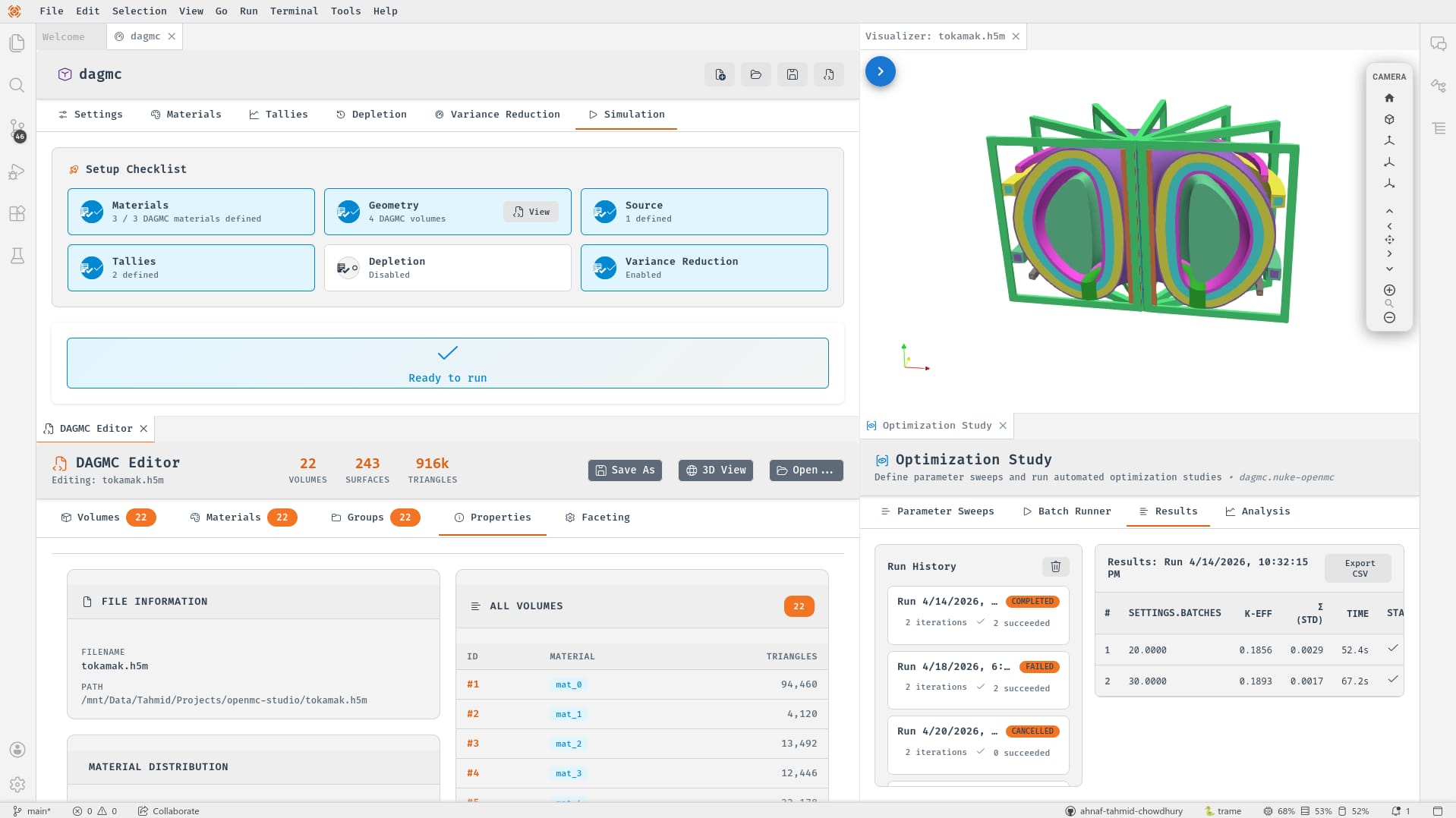
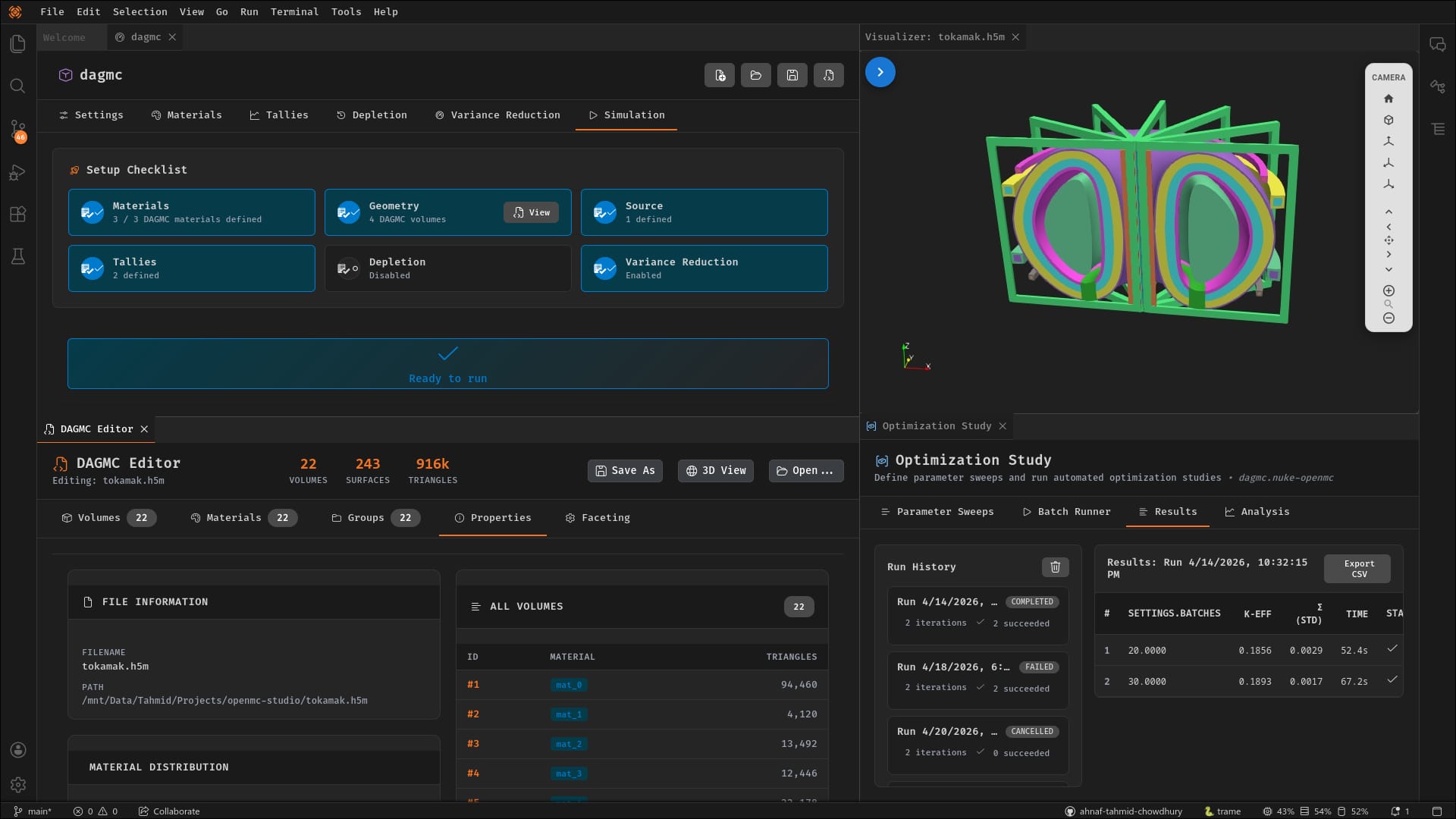
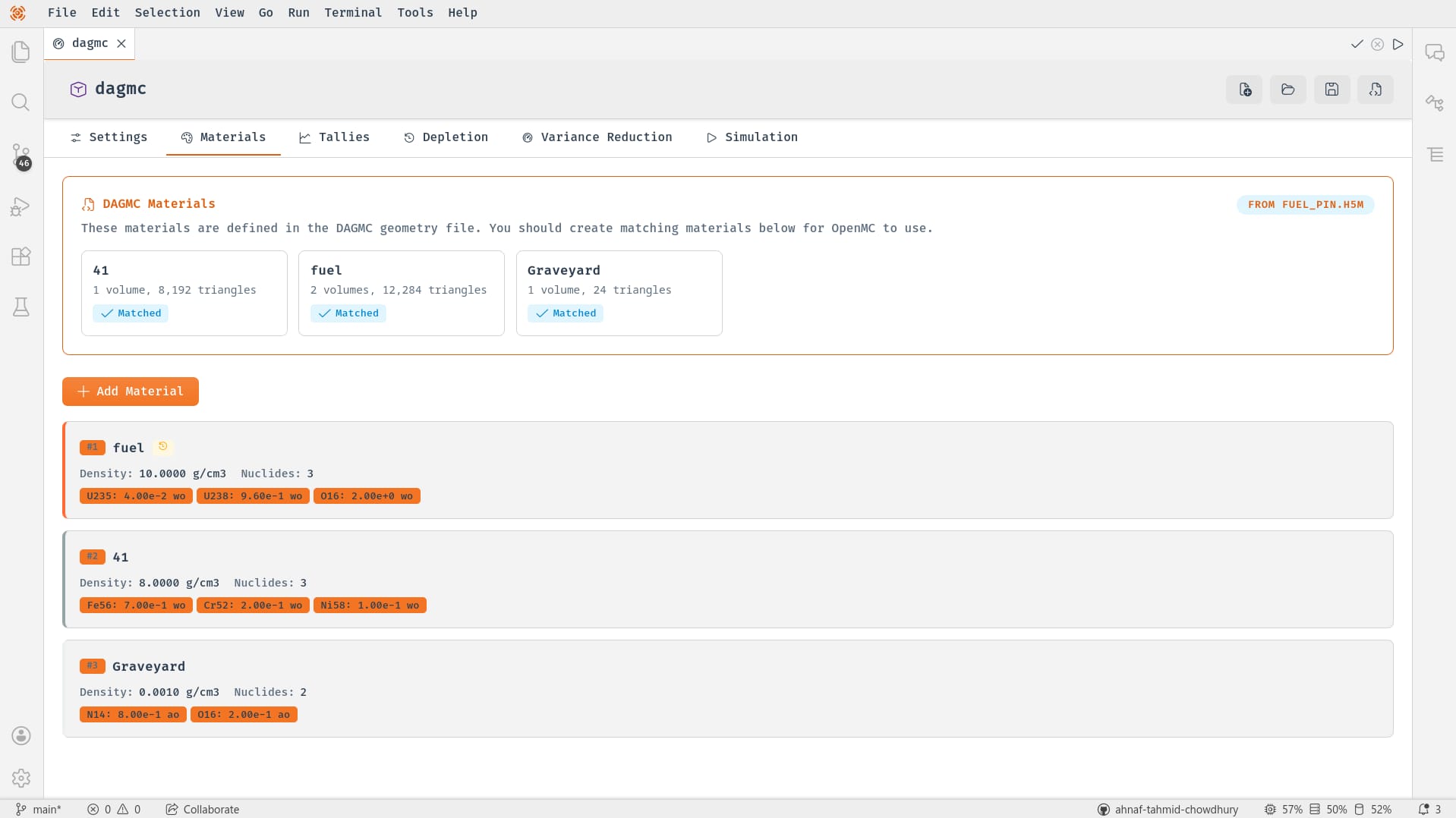
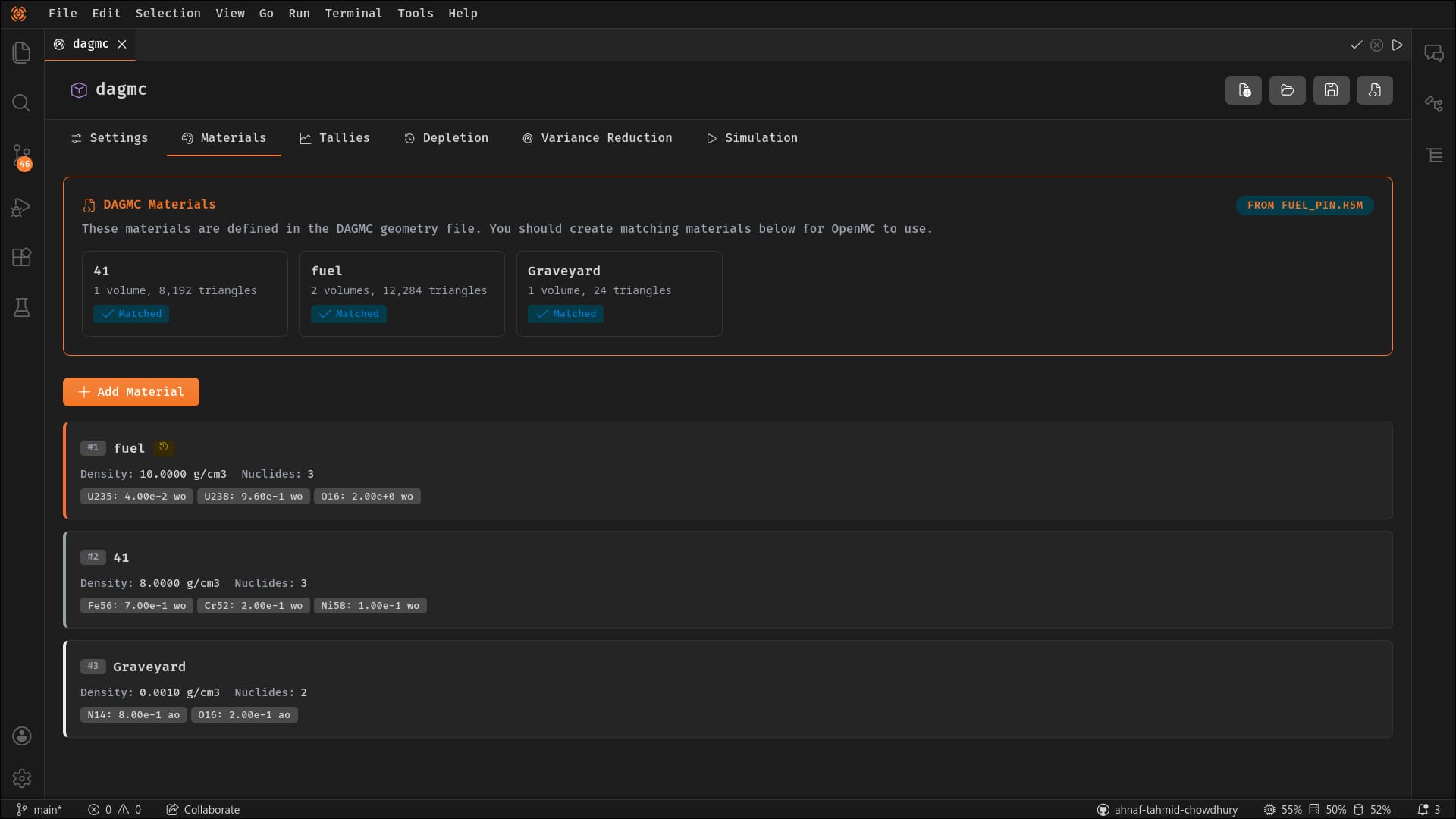
No-code graphical workspace for OpenMC Monte Carlo neutron transport simulations. Build geometries, configure materials, set up tallies, and run simulations — all without writing a single line of code.
- Simulation dashboard with live metrics and k-eff plots
- CSG builder and DAGMC editor with 3D preview
- Tally configurator with mesh editors and filter builders
- Parameter sweep optimization framework
- CAD import (STEP/IGES to DAGMC or CSG)
Nuke Visualizer
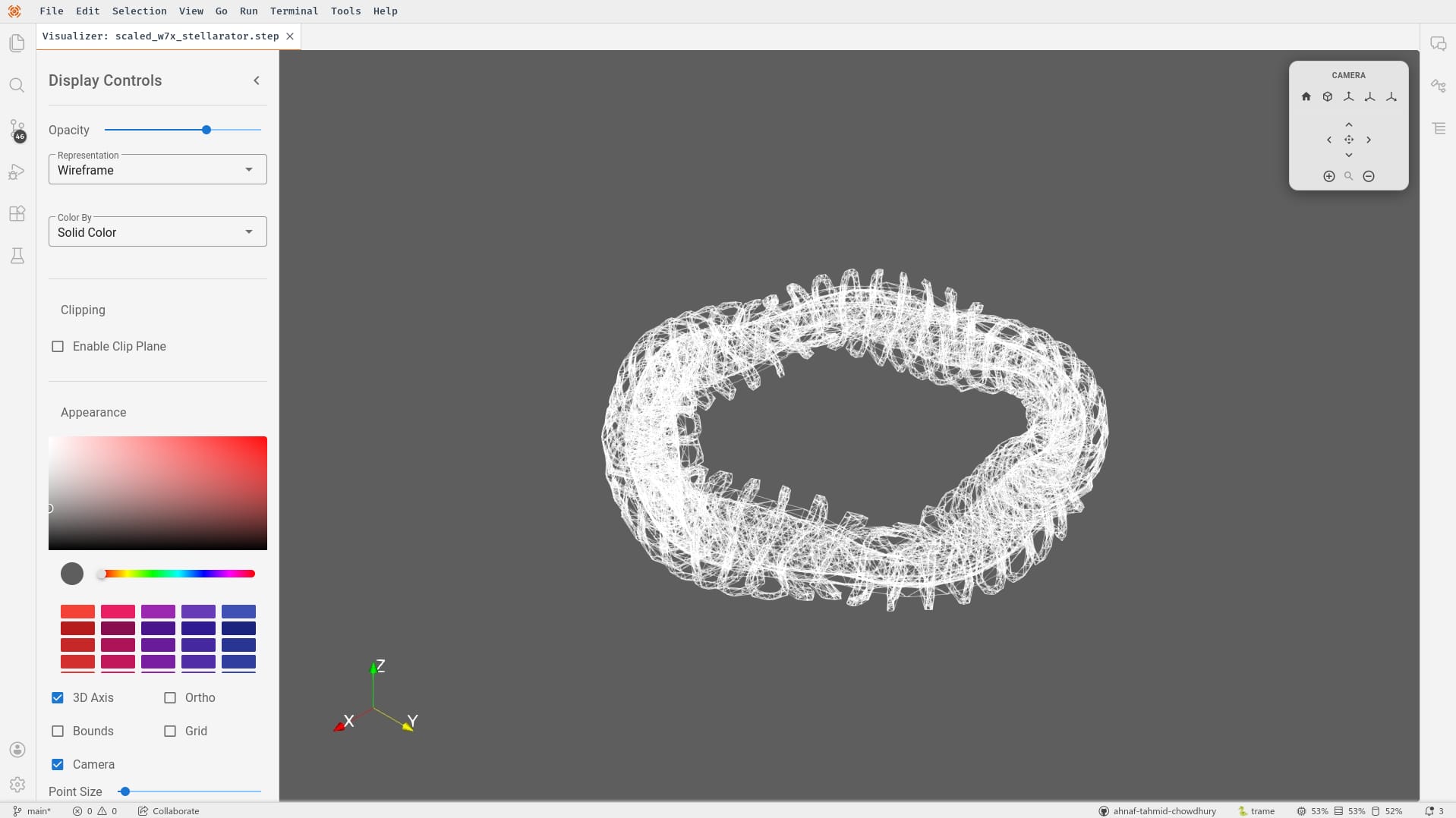
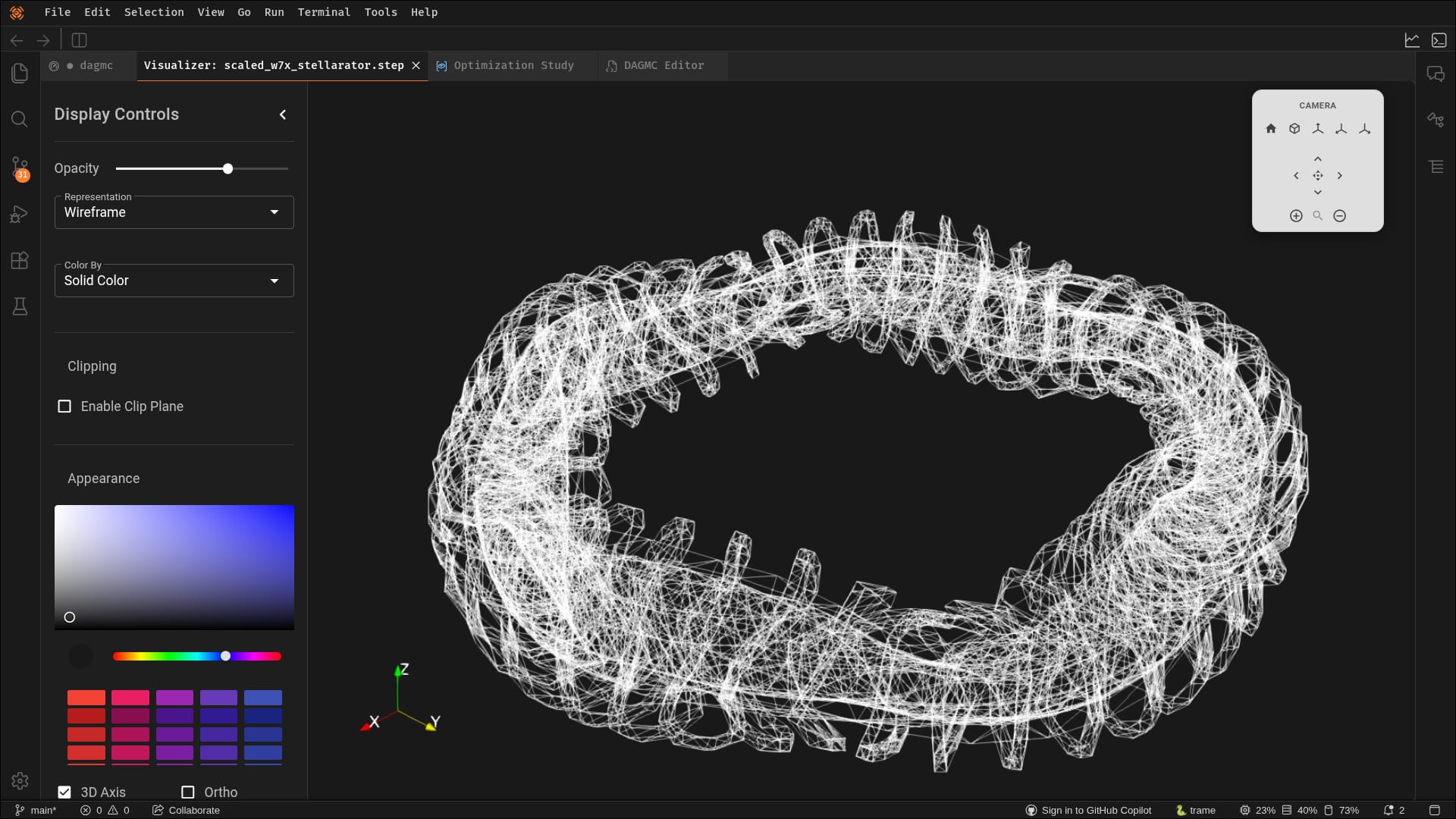
Advanced 3D and 2D visualization for nuclear engineering data. Inspect OpenMC statepoints, overlay tallies on geometry, and analyze simulation results with interactive plots.
- 3D mesh viewer for VTK, DAGMC, STL, PLY, OBJ files
- OpenMC statepoint viewer with k-eff convergence plots
- Tally visualization with geometry overlay
- Energy spectrum and 2D heatmap slices
- Source distribution 3D scatter plots
Nuke Core
The foundational extension for environment management and shared infrastructure. Automatically detects, creates, and manages environments with seamless package installation.
- Auto-detect conda, venv, poetry, pyenv environments
- Install packages with live terminal output
- Run health checks and diagnostics
- Context-aware status bar with quick-switcher
- Workspace auto-detection for environment files
Flexible Architecture
Deploy anywhere. Extend easily. Integrate seamlessly.
Browser
Run NukeIDE as a Progressive Web App in any modern browser. Perfect for cloud deployments and shared workspaces.
Desktop
Native Electron application for Windows, macOS, and Linux with auto-updater support and secondary windows.
Extensions
Self-contained Theia packages with frontend and backend contributions communicating via JSON-RPC over WebSocket.
Getting Started
Choose your preferred deployment and get NukeIDE running in minutes.
Browser
Run NukeIDE as a web application in your browser.
$ git clone https://github.com/nukehub-dev/nuke-ide.git$ cd nuke-ide && yarn$ yarn download:plugins$ yarn start:browserPrerequisites: Requires Node.js >=22, Yarn >=1.7.0, and Python >=3.12
Ready to Transform Your Workflow?
Join the growing community of nuclear engineers using NukeIDE for simulation, visualization, and analysis.